What gets in the way
Generated media makes assets fast, but it can make production coherence harder. Prompts, references, selects, and feedback scatter while character, product, and visual continuity drift.
Platforms
Develop concepts, scenes, shots, stills, and clips on a connected production canvas.
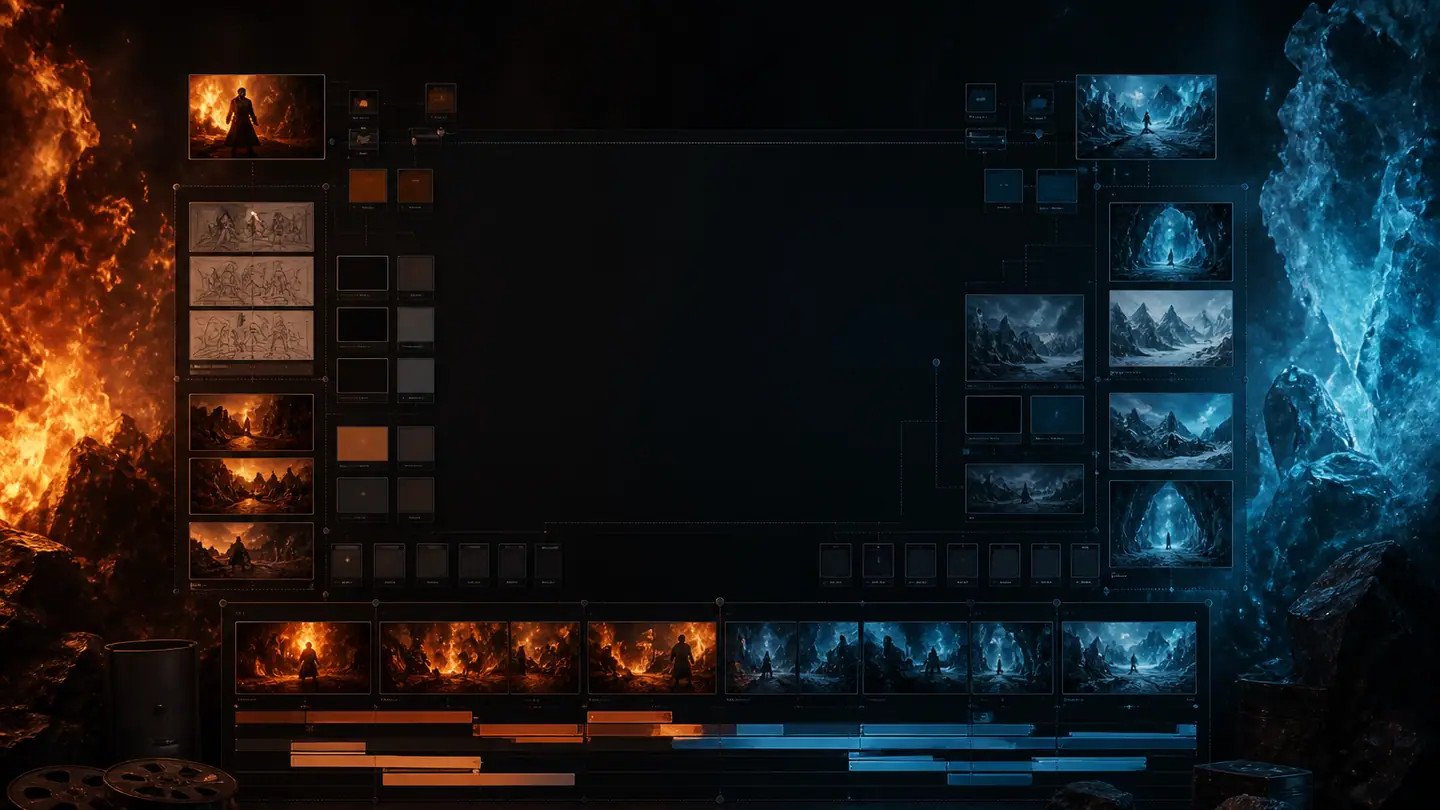
Generated media makes assets fast, but it can make production coherence harder. Prompts, references, selects, and feedback scatter while character, product, and visual continuity drift.
DymenLight gives the production a visible structure so teams can iterate on individual shots without losing the story or the approved creative direction.
Map scenes and creative beats on an interactive canvas before spending effort on final clips.
Define framing, action, references, prompts, and continuity for each shot.
Create and organize stills and clips with available production models and tools.
Track selected assets and prepare a clear handoff for editing, finishing, or campaign use.
Define audience, message, format, constraints, and the action the piece should support.
Break the idea into scenes and shots, then attach visual and continuity references.
Create controlled variations, review them against the brief, and keep intentional selects.
Prepare approved assets and notes for editing, sound, versioning, and channel delivery.
No. Prompts are production inputs; the brief, references, selection, continuity, and editorial judgment shape the result.
No. Assets require quality, rights, brand, continuity, and channel review before release.
Yes. Format variants can share a source brief and shot plan while adapting composition and pacing for each channel.
See where DymenLight can fit into your next release.